
Delivery apps can bring a restaurant new customers, but every order carries a commission, commonly 15% to 30% of the subtotal on DoorDash and Uber Eats’ public US plans. If you list your in-store prices unchanged, or add the “obvious” markup, you can end up selling food for less than it earns in your dining room. This guide shows the formula that actually works, with a full worked menu.
Skip the math: try the free Delivery Commission Calculator →
Step 1: Know what each app takes
| Platform | Delivery commission (public US plans) | Pickup |
|---|---|---|
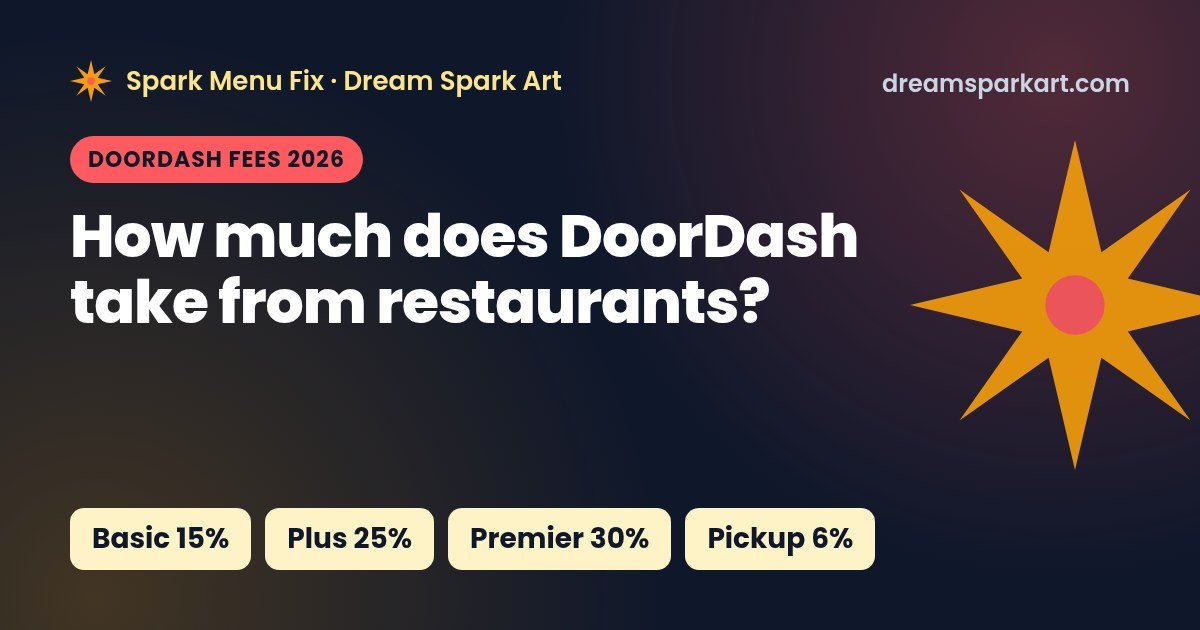
| DoorDash | Basic 15% · Plus 25% · Premier 30% | 6% |
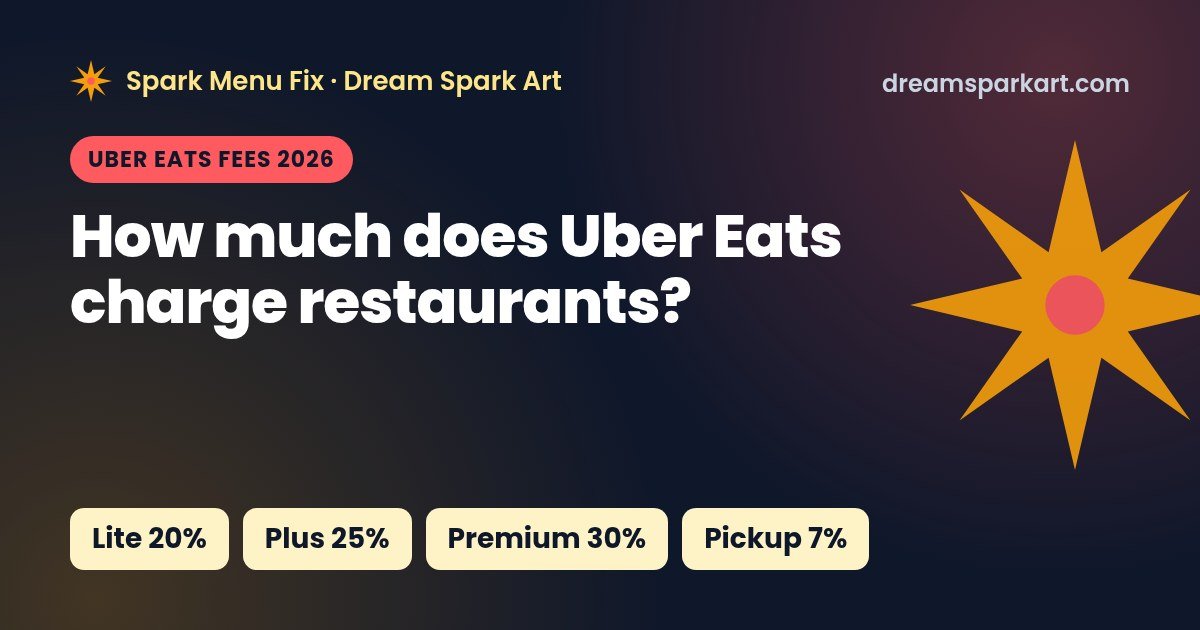
| Uber Eats | Lite 20% · Plus 25% (+5% on Uber One orders) · Premium 30% · Self-delivery 15% | 7% with validated in-store pricing (10% otherwise) |
Sources: DoorDash merchant pricing, Uber Eats merchant pricing (both checked Oct 23, 2026). Some cities and contracts differ, so use the rate in your own merchant portal. For details, see our breakdowns of DoorDash fees and Uber Eats fees.
Step 2: Know your true cost per item
Your delivery cost per item is more than the food. At minimum include:
- Food cost: the plate cost from your recipe card (see our food cost percentage guide).
- Packaging: the container, lid, bag, sauce cups, utensils and napkins. On a delivery order this can be a meaningful share of a low-priced item.
- Any extra card or order fees your contract adds. Most public plans on both apps say processing is included, but some regulated cities differ.
Step 3: Avoid the markup trap
The most common mistake is “the app takes 30%, so I’ll raise prices 30%.” The commission is taken from the new, higher price.
Example numbers: a $10.00 item on a 30% plan.
- Price + 30% = $13.00
- Commission: 30% × $13.00 = $3.90
- You receive $13.00 − $3.90 = $9.10, which is $0.90 less than the $10.00 you get in-store.
Step 4: Use the right formula
Option A: price parity (keep what you earn in-store)
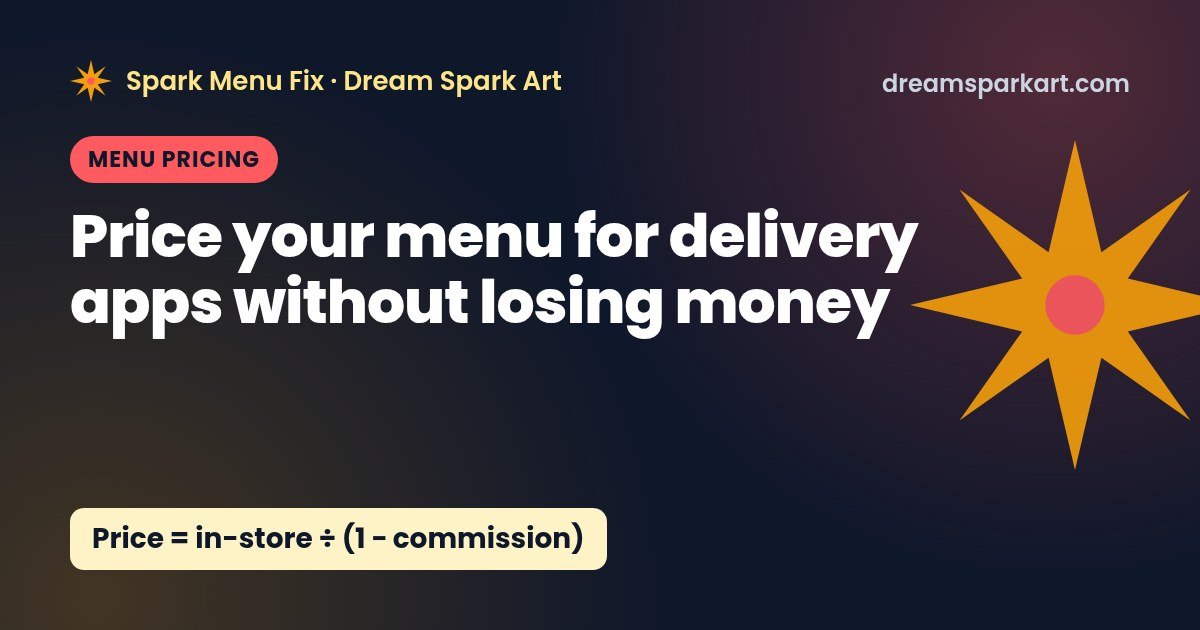
Delivery price = in-store price ÷ (1 − commission rate)
On a 30% plan, $10.00 ÷ 0.70 = $14.29. You receive $10.00 after commission, the same as in-store. The real markup is 42.9%, not 30%.
| Commission | Real markup needed | $10 item becomes |
|---|---|---|
| 15% | 17.6% | $11.76 |
| 20% | 25.0% | $12.50 |
| 25% | 33.3% | $13.33 |
| 30% | 42.9% | $14.29 |
Option B: price floor (hit a target margin)
Minimum price = (food + packaging) ÷ (1 − commission rate − target margin)
This is the lowest price that still leaves your target margin after commission. If commission plus target margin reaches 100%, no price works, so lower the target or choose a cheaper plan. Treat this as a floor, not necessarily your list price, because it doesn’t cover the labor and overhead your in-store prices were built to absorb.
Worked example: a small delivery menu on a 25% plan
Example numbers for a fictional restaurant on a 25% plan (DoorDash Plus or Uber Eats Plus without Uber One orders). Parity prices are rounded up to the next .49 or .99. Floor prices use a 30% target margin.
| Item | In-store price | Food + packaging | Profit at in-store price on app | Floor (30% margin) | Parity price (rounded) | Profit at parity price |
|---|---|---|---|---|---|---|
| Smash burger | $13.99 | $4.10 + $0.45 = $4.55 | $5.94 (42.5%) | $10.11 | $18.99 | $9.69 (51.0%) |
| Wings, 8 pc | $12.49 | $4.60 + $0.35 = $4.95 | $4.42 (35.4%) | $11.00 | $16.99 | $7.79 (45.9%) |
| Chicken salad | $11.99 | $3.20 + $0.55 = $3.75 | $5.24 (43.7%) | $8.33 | $15.99 | $8.24 (51.5%) |
| Fries | $4.49 | $0.70 + $0.20 = $0.90 | $2.47 (55.0%) | $2.00 | $5.99 | $3.59 (60.0%) |
“Profit” means price minus commission, food and packaging, before labor and overhead.
What this example shows
- Wings are the weak spot. At in-store price they keep only $4.42 on the app, and the 30% floor ($11.00) is close to the in-store price. Expensive proteins need the full markup or a recipe and portion review.
- Salads and sides have room. You could price these below full parity to look competitive and still clear your floor.
- Rounding adds a little cushion. Rounding up to .49 or .99 makes prices look normal and adds a few cents of margin.
Step 5: Smart pricing moves beyond the formula
Mark up selectively, not across the board
Your floor and parity prices give you a range for each item. High-visibility items customers compare across restaurants (burgers, a plain pizza) can sit nearer the floor. Signature items and expensive proteins should sit at or near parity.
Build delivery bundles
Combos raise the average order size, and a percentage commission doesn’t change with order size the way packaging and prep time do. Example numbers: a burger + fries combo at $16.99 in-store with $5.45 in food and packaging has a parity price of $22.65, which rounds to $22.99. On a 25% plan that pays $17.24 and leaves $11.79 before labor.
Trim the delivery menu
Items that travel badly or carry high packaging cost can drag ratings and margins. A shorter delivery menu is a common rule of thumb for faster prep and fewer errors.
Keep pickup at in-store prices
Both apps tie their lowest pickup rates (DoorDash 6%, Uber Eats 7%) to pickup prices matching in-store prices, according to their pricing pages. Pickup can be your most profitable app channel, so don’t mark it up.
Check the plan, not just the price
Uber Eats Plus charges an extra 5% on Uber One orders. If many of your orders come from members, price as if the rate were 30%. Recheck your numbers whenever you change plans.
Re-run your numbers when costs change
Food and packaging costs move. Re-cost your top sellers at least whenever a supplier price changes noticeably, and update app prices to match.
A 15-minute delivery pricing checklist
- Pull your commission rate for each app from your merchant portal.
- List your top 10 delivery items with food and packaging cost.
- Calculate the floor and parity price for each.
- Set each price inside that range, rounded to .49 or .99.
- Leave pickup prices equal to in-store prices.
- Review payouts after 30 days and adjust any items that underperform.
Tools to price your whole menu
Disclosure: the calculator is free. The spreadsheets below are our own products from Spark Menu Fix by Dream Spark Art. We earn money if you buy them. These are not affiliate links.
- Free DoorDash & Uber Eats Commission Calculator: check one item across every plan.
- DoorDash & Uber Eats Commission Calculator spreadsheet ($14.99): enter your whole menu once and get delivery prices for each plan. Etsy · Gumroad
- Recipe Cost Calculator spreadsheet ($14.99): get accurate plate costs to feed the formula. Etsy · Gumroad
- Restaurant Management Spreadsheet Bundle ($39): all four templates. Etsy · Gumroad
Get a free delivery menu audit
Spark Menu Fix reviews your DoorDash or Uber Eats menu and sends a free 10-point audit: items losing money after commission, pricing gaps, and photo and description fixes. Request your free audit → or email hello@dreamsparkart.com.
FAQ
How much should I mark up my menu for delivery apps?
To earn the same as in-store, divide each price by (1 − commission). That’s a 17.6% markup at 15% commission, 33.3% at 25% and 42.9% at 30%.
Why doesn’t adding 30% cover a 30% commission?
Because the commission is charged on the higher price. A $10 item marked up to $13 pays $3.90 in commission on a 30% plan, leaving $9.10.
Can restaurants charge more on DoorDash and Uber Eats than in-store?
DoorDash’s pricing page says restaurants can set different prices for delivery orders, and many do. Both apps tie their lowest pickup rates to in-store price parity, so keep pickup prices equal to in-store prices.
Should I include packaging in my delivery price?
Yes. Add packaging to food cost before you apply the formula, because delivery orders use containers, bags and extras that dine-in orders don’t.
What target margin should I use?
There’s no universal number. Use the margin your in-store menu needs to cover labor and overhead. The parity formula preserves exactly what you earn in-store.
Sources
- DoorDash Merchant Fees & Pricing (checked Oct 23, 2026)
- Uber Eats Merchant Pricing, US (checked Oct 23, 2026)
All menu items and costs in this article are illustrative example numbers. Estimates only, not financial advice. Dream Spark Art is not affiliated with DoorDash or Uber.